Case study
Apple Wireless Keyboard
Do you love Apple Wireless Keyboard but also love Microsoft Windows? Ever wanted to use them together? Now you can without losing your media functionality. This Windows application brings your Fn key and media keys back to life with Mac-like status overlays. It lets you choose if you want to access media keys with Fn or instead of Function keys, by just pressing the eject key.
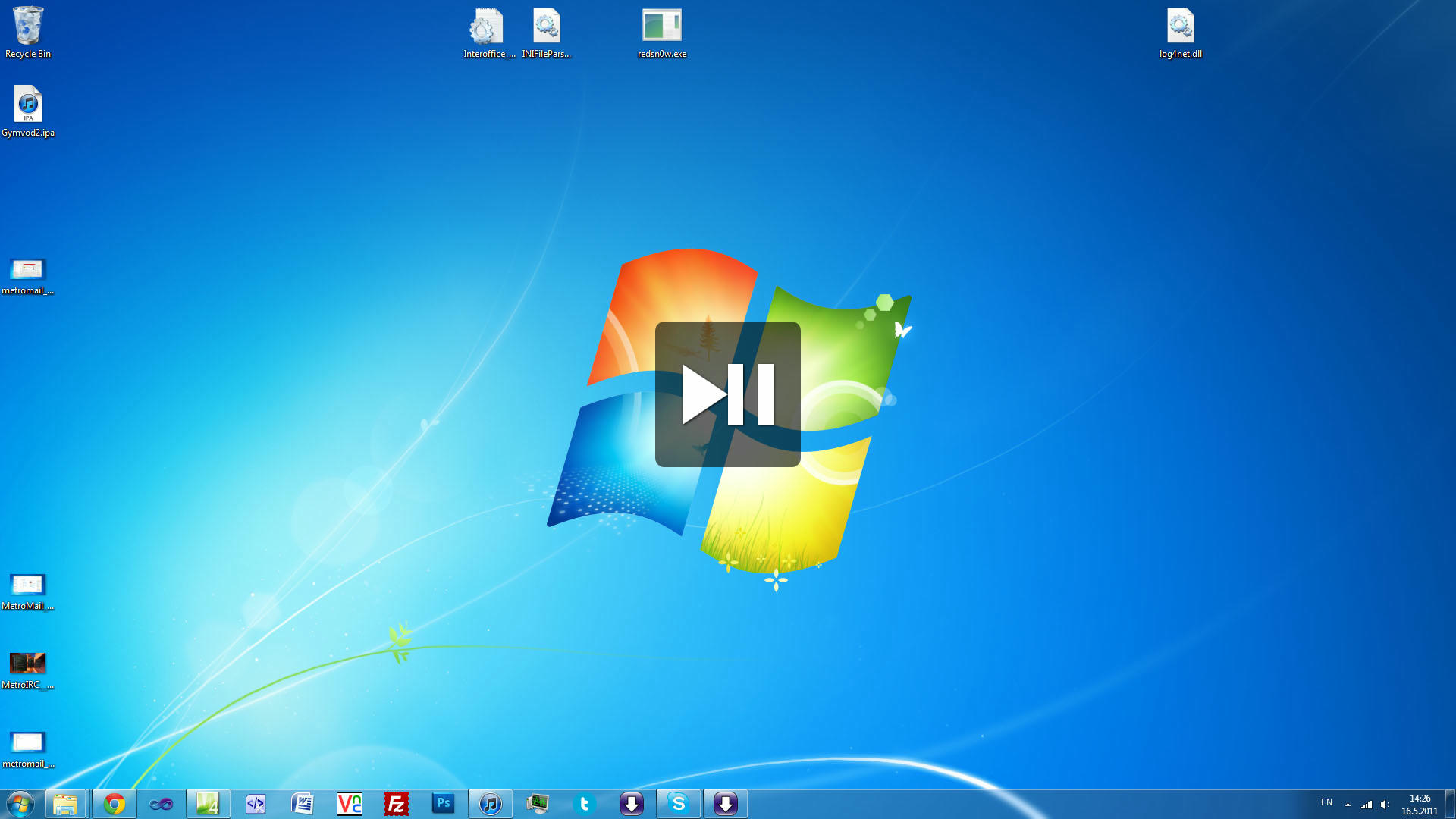
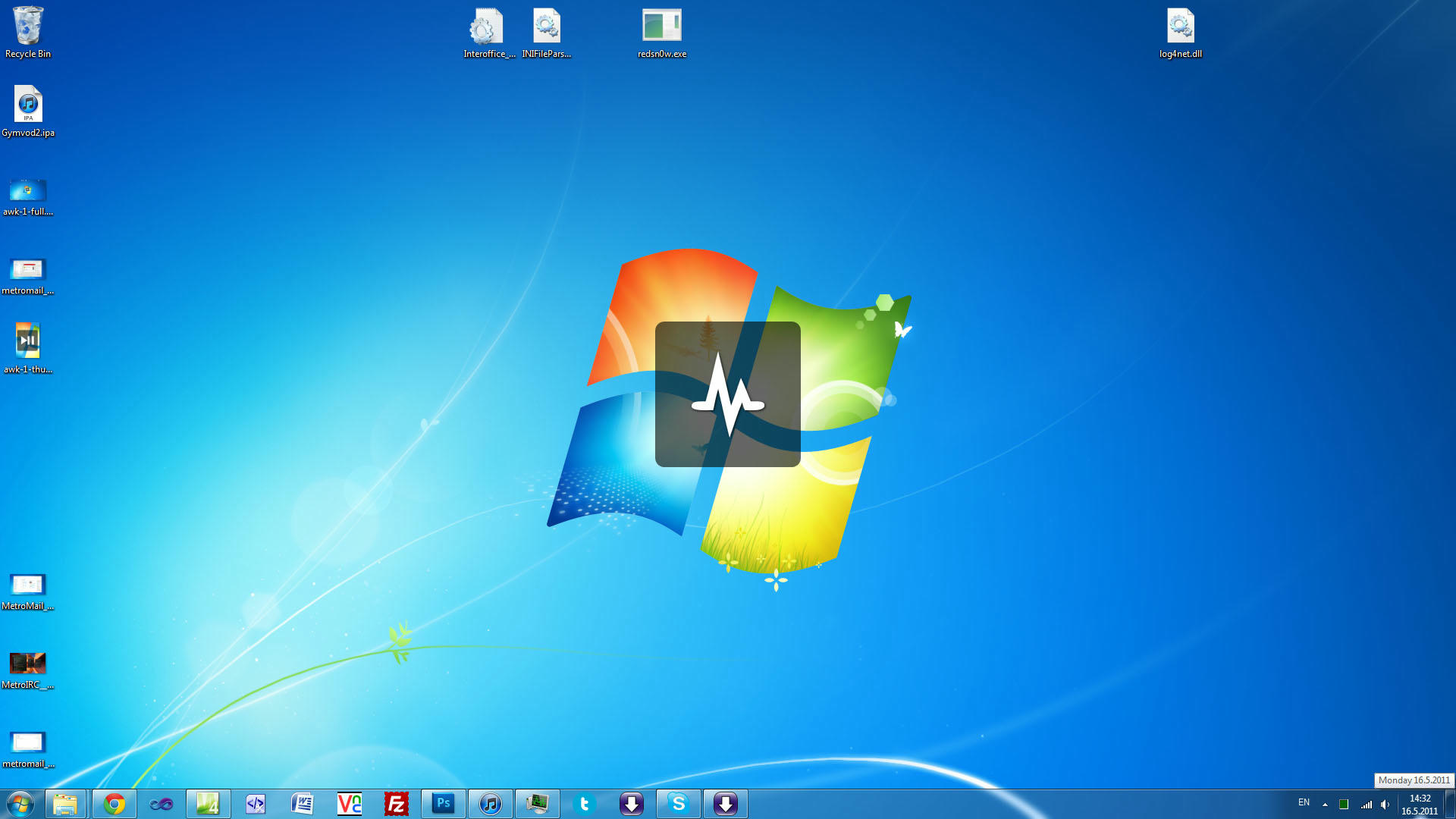
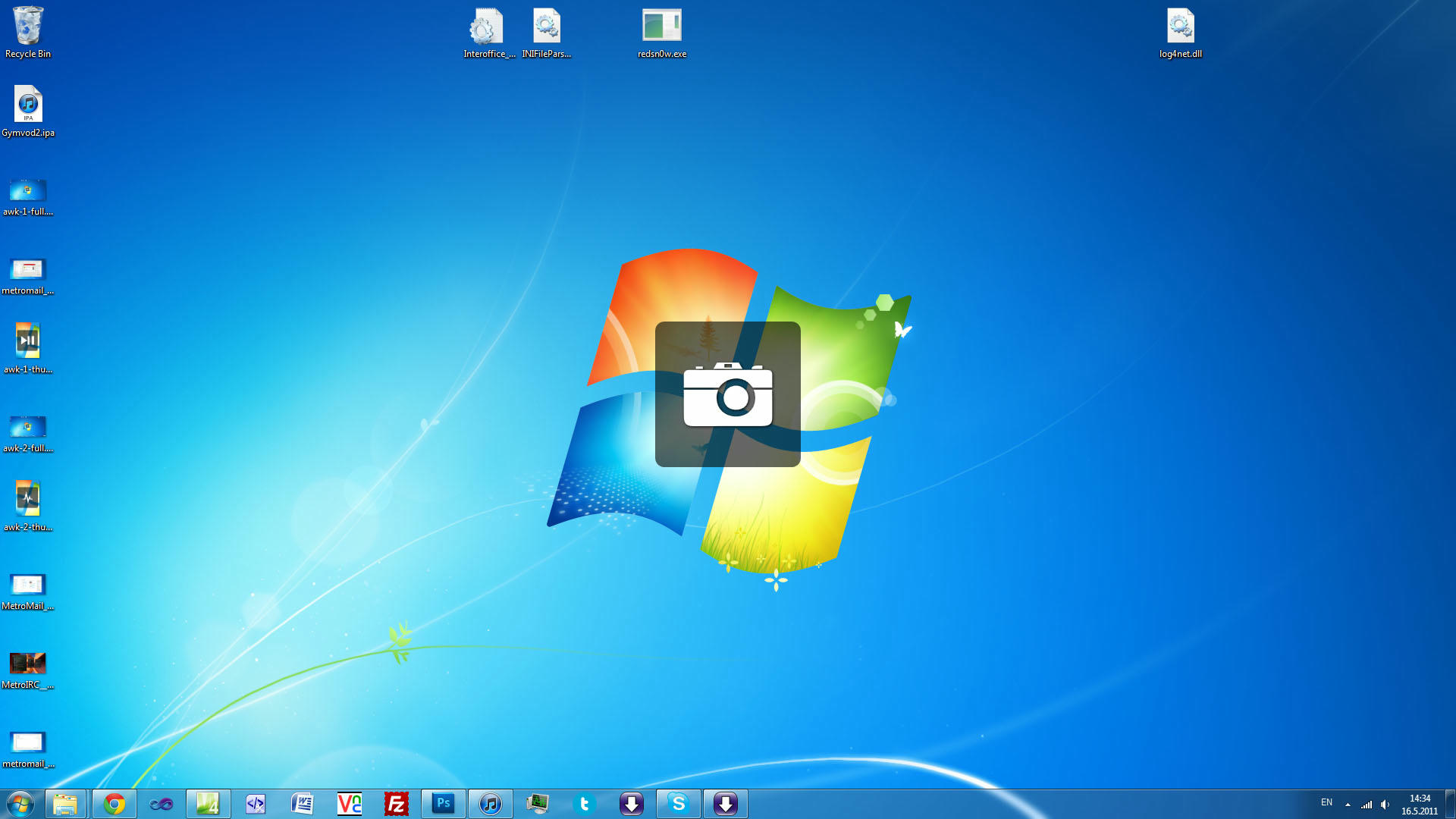
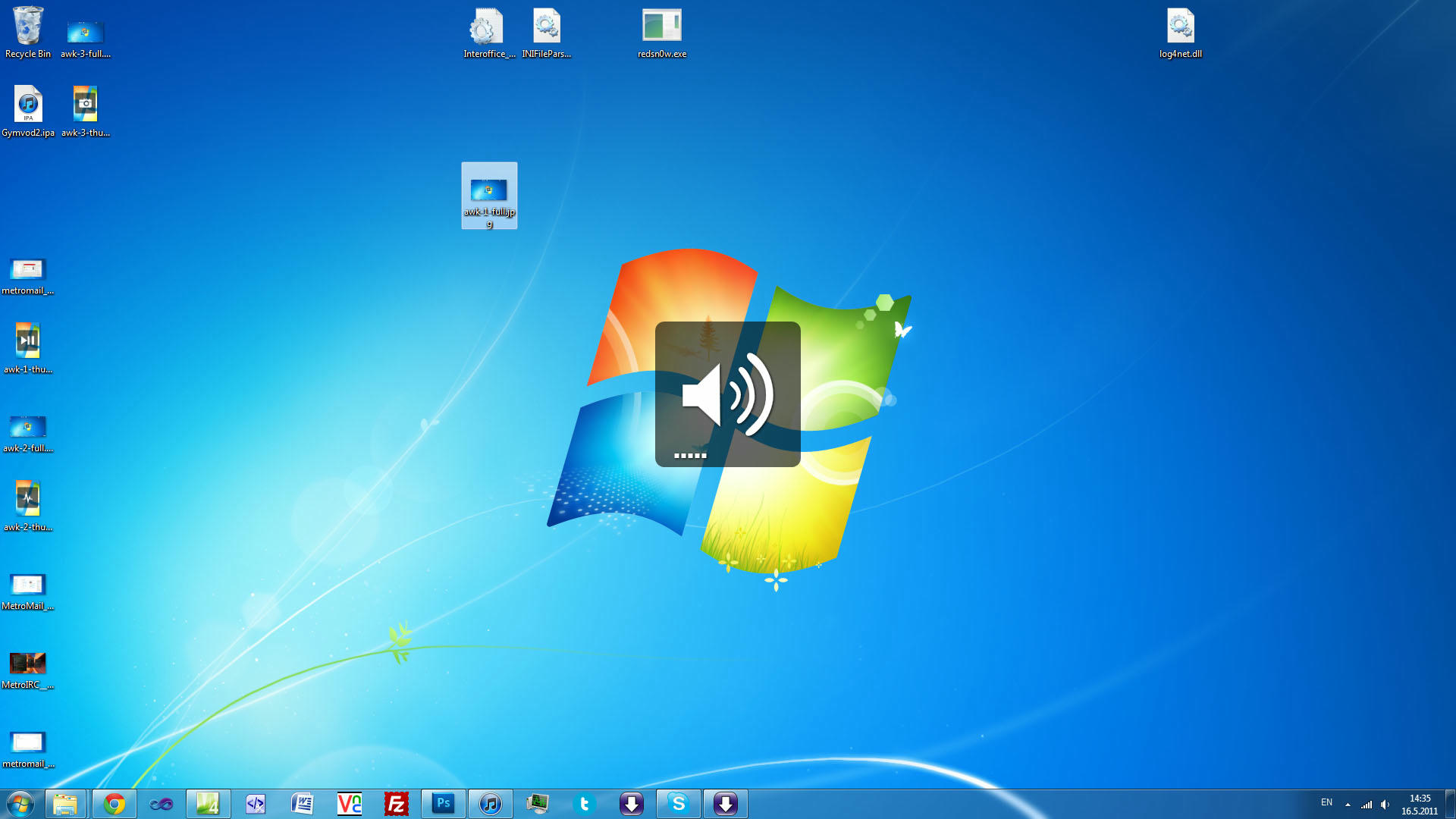
AppleWirelessKeyboard is a small utility program for Windows that talks to the Apple Wireless Keyboard and responds to the Fn and Eject keys. Then it simulates native mac functionality. It adds the beautiful semitransparent overlays adds functions to otherwise dead keys. If you love the Apple Wireless Keyboard as much as I do, give this project a try.
The project is now open source on GitHub!
Implemented Features:
-
Function Keys
- F1-F2: Brightness Control on supported devices
- F3: Print Screen
- F4: Task Manager
- F7-F9: Media Control
- F10-F12: System Volume Control
- Ctrl + F9: Switch audio output devices
- Eject: toggle if function keys work as on Windows or as on Mac
- Fn + function key triggers the Mac like shortcut
- Fn + Backspace = Delete
-
Fn + Arrows
- Up: Page Up
- Down: Page Down
- Left: Home
- Right: End
- Fn + Eject: Eject CD
FAQ
- Some antivirus programs detect this program as a virus. This is because it is intercepts key presses to provide its functionality. If you are still afraid, you can check out the source code on GitHub or use one of many decompilers to examine the source code of the program.
- Apple Wired Keyboard is supported, but the fn key will not work. Thats because the keyboard doesn't send the event to the computer at all. Fn key doesn't work on Apple USB Keyboard. Its a hardware issue i can't fix.
- This program doesn't install on your computer. All you have to do to get rid of it is to delete the file you downloaded.